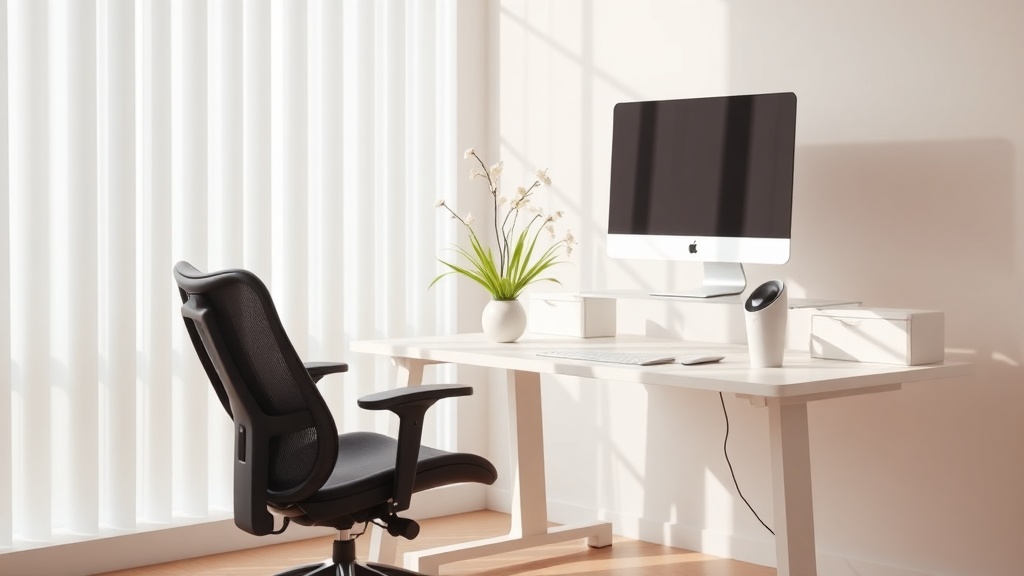
Ergonomic Home Office for Spring: Boost Posture & Productivity

Hook
Ever felt that nagging back ache after a marathon Zoom call? That’s a sign your ergonomic home office is silently sabotaging your productivity.
Context
Spring is the perfect time to declutter and reset. As we welcome longer days, a well‑aligned workspace can keep you focused, energized, and ready for the next career move.
Why does posture matter for productivity?
Studies from the Mayo Clinic and Harvard Health show that poor posture can reduce concentration by up to 20% and increase fatigue. When you sit in a neutral spine position, blood flow improves, brain oxygenation rises, and you stay alert longer. (Source: Harvard Health – Why Good Posture Is Important, 2025; Mayo Clinic – Posture and Your Health, 2024)
How can I evaluate my current chair height?
- Feet flat on the floor – Your knees should be at a 90‑degree angle.
- Hip‑level alignment – When seated, your hips should be slightly higher than your knees.
- Test the armrests – Your elbows should rest comfortably at a 90‑degree angle when typing.
Pro tip: Use a simple book stack to raise your chair if it’s too low. I discovered this hack during a late‑night project and never looked back.
What’s the ideal monitor placement?
- Eye level – The top third of the screen should be at eye height. This prevents neck strain.
- Distance – About an arm’s length (20‑30 inches) away.
- Dual‑monitor ergonomics – Position the primary screen directly in front, secondary slightly off‑center.
"Your monitor should be where your eyes naturally land, not where your neck has to work." — Natalie Okonkho
Which accessories add micro‑movement breaks?
- Sit‑stand desk – Alternate every 30‑45 minutes. I use a programmable timer that nudges me to stand and stretch.
- Under‑desk footrest – Keeps hips aligned and encourages subtle shifts.
- Desk cycle or balance board – Light activity that boosts circulation without breaking focus.
How do I create a spring‑ready ambiance?
- Natural light – Position your desk near a window; daylight improves mood and alertness.
- Fresh greens – A small potted plant or a vase of spring flowers adds a calming visual cue.
- Declutter – Clear surface space; a tidy desk reduces visual noise and mental overload. (See my Spring Digital Declutter guide for a deeper dive.)
Takeaway
A spring ergonomic overhaul is a low‑cost investment in your health and career trajectory. Adjust your chair, align that monitor, sprinkle in micro‑movement accessories, and let the daylight in. Your back will thank you, and your inbox will finally feel manageable.
Related Reading
- Sustainable Home Office: Eco‑Friendly Tips for Remote Workers – Green upgrades that also improve ergonomics.
- Daylight Saving Adjustment: Shift Your Home Office Routine for Better Sleep and Productivity – Sync your work rhythm with the seasons.
- 2026 Career Trends for Women: 5 Must‑Know Shifts – Leverage a healthier workspace to stay ahead.
FAQ
What is the best chair height for ergonomics?
Your feet should rest flat on the floor with knees at a 90‑degree angle and hips slightly higher than your knees.
How often should I switch between sitting and standing?
Aim for a 30‑45 minute cycle. Use a timer or a standing‑desk app to remind you.
Do plants really improve productivity?
Yes. Research from the University of Queensland found that office plants can increase productivity by up to 15%. (Source: UQ Study on Office Plants, 2023)
Can I make my existing desk ergonomic without buying a new one?
Absolutely. Add a monitor riser, footrest, and a laptop stand to achieve proper alignment.
What micro‑movement breaks are most effective?
Simple stretches, ankle rolls, or a quick walk around the room every hour keep blood flowing and reduce stiffness.